English · Español · Português · 日本語 · 한국어 · 繁體中文 · Русский
EyeStill for Chrome · freeDual subtitles for YouTube, at the speaker's lips
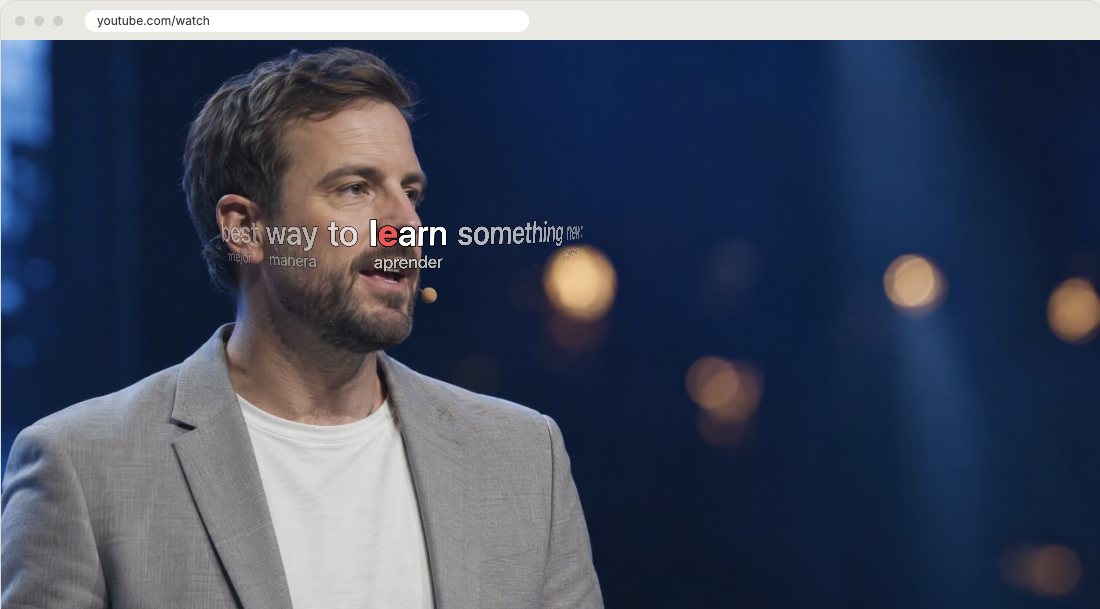
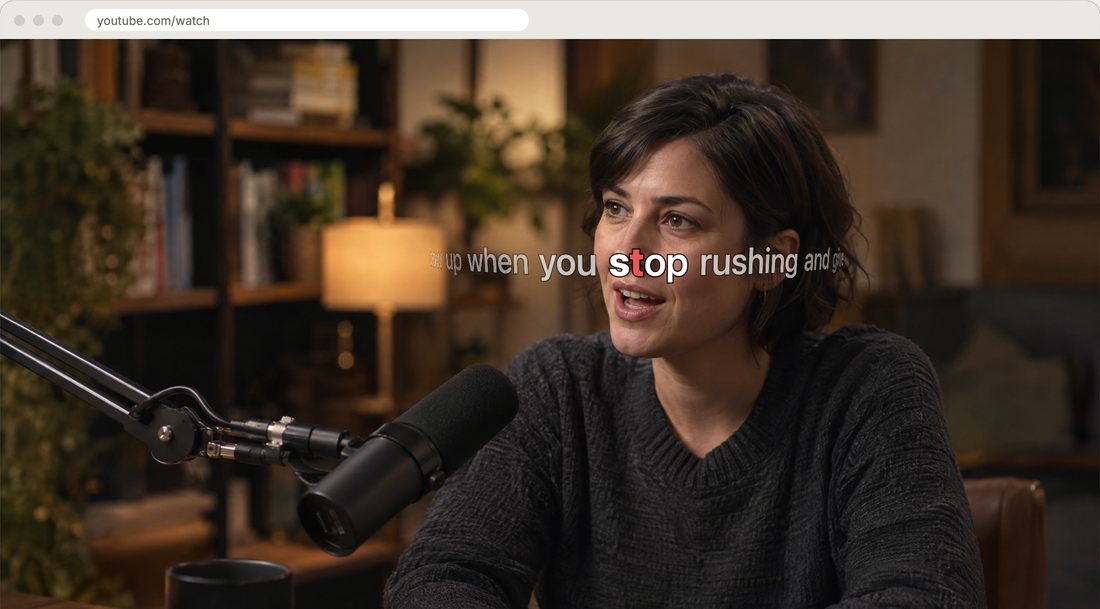
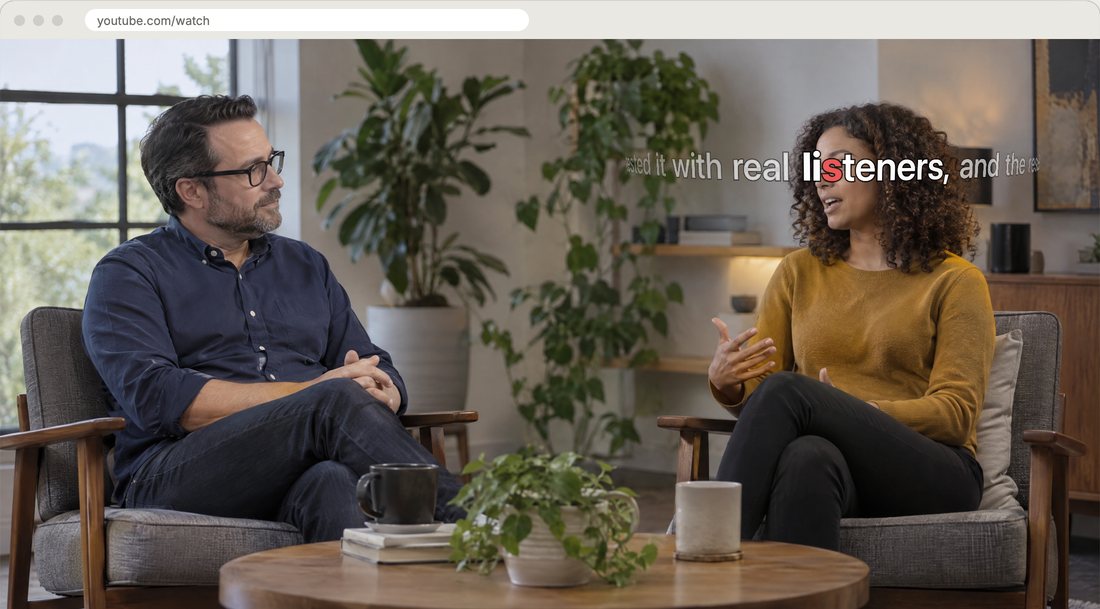
EyeStill translates YouTube subtitles with AI and shows them one word at a time, right next to the speaker's mouth. Under each translated word, in small type, is the word the speaker actually said.
Why not two lines at the bottom
Ordinary dual subtitles stack two lines under the picture. You read one line, then the other, then look up at the face, and by then the speaker has moved on. At 1.5× or 2× it falls apart.
EyeStill puts the translation where you are already looking: at the speaker's lips, a word at a time, as it is said. The original sits right under the word it belongs to, so a glance down is enough to see what the speaker said.
How to switch it on
- Add EyeStill to Chrome. It is free.
- Open a YouTube video that has subtitles, manual or auto-generated. EyeStill turns them on for you.
- In the EyeStill menu, pick the language to translate into.
- Switch on Original under the translation.
How the words are matched
Languages don't put words in the same order, so the original can't simply be laid under the translation word by word. An AI model translates the whole talk and pairs each translated word with the original word or words it renders, by meaning.
It can still get a pair wrong now and then. Words with no counterpart, such as articles, have nothing under them, and a name or number that is the same in both languages isn't repeated.
Who it is for
- Learning a language from real videos: hear the original voice, read the meaning, see the word.
- Understanding the language, but not every word: fast speech, accents and slang.
- Watching lectures and podcasts at 1.5× or 2×.
Good to know
- Works on YouTube videos that have subtitles, manual or auto-generated.
- Translation goes through the cloud: the subtitle text is sent to eyestill.com and DeepSeek. The video, the sound and your account are not.
- Free during the open beta, with no account.
- The original under each word is shown on the 3D drum line, which needs WebGL. The extension's menu is in English and Russian.